> For the complete documentation index, see [llms.txt](https://mysticspells.killstore.net/llms.txt). Markdown versions of documentation pages are available by appending `.md` to page URLs; this page is available as [Markdown](https://mysticspells.killstore.net/welcome.md).
# Welcome!
## Important first step for all our products
Before starting with the installation let's make sure you have all your files together by doing the following:
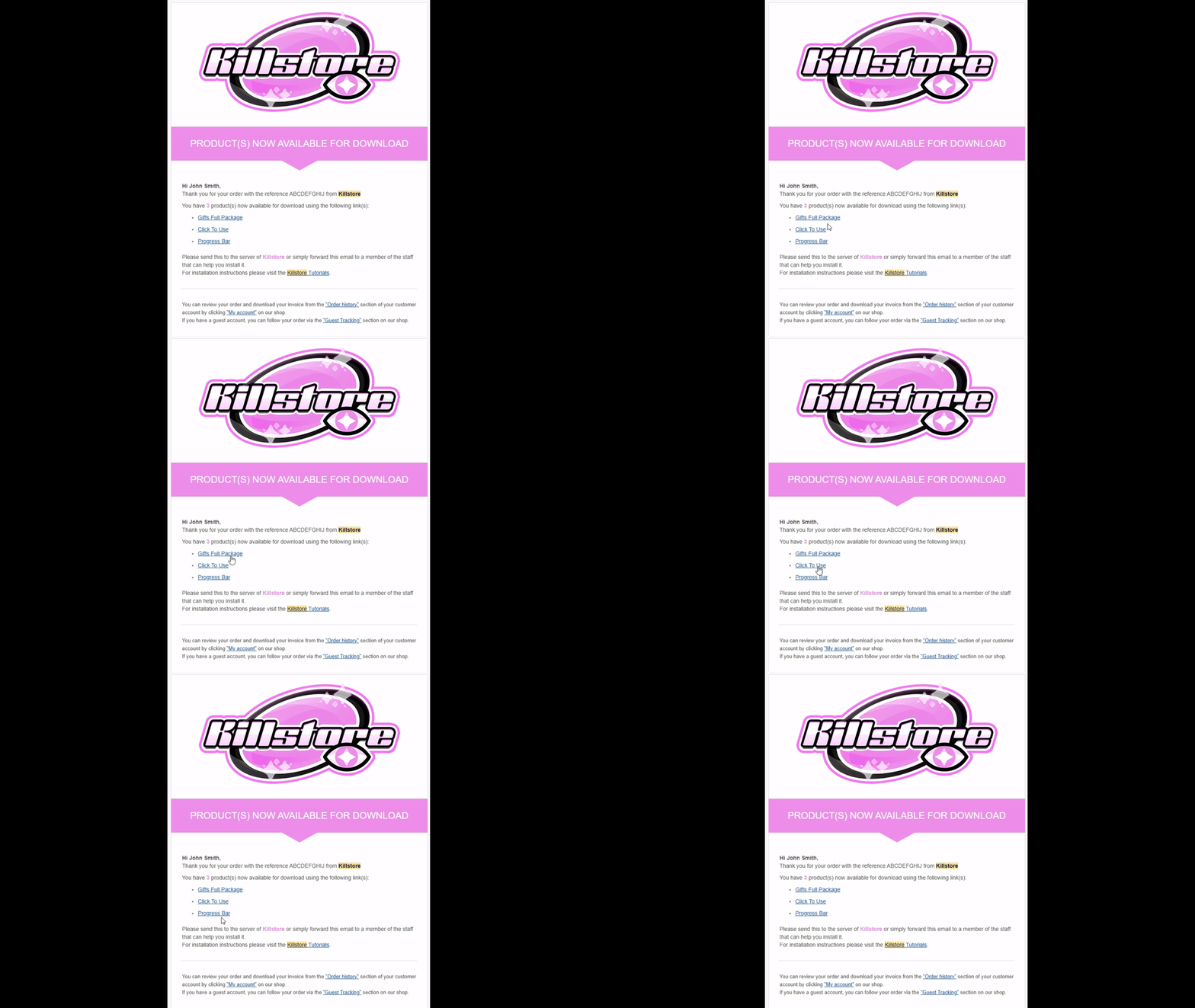
1 - You received an email with all of your products, make sure to download them all!
2 - Go inside your `resources` folder in you server and create a new folder called `[killstore]` (including the square brackets).
3 - Copy all of your downloaded files inside `[killstore]`
4 - Unzip them all at the same time inside `[killstore]`, this will create and organize your files on its own.
{% tabs %}
{% tab title="Using WinRAR" %}
Select all -> Right click -> "WinRAR" -> "Extract Here"
{% endtab %}
{% tab title="Using Windows Explorer" %}
Select the first file -> Right click -> "Extract All..." -> Then delete the subfolder with the name of the zip from the path -> Click "Extract"
{% endtab %}
{% endtabs %}
{% hint style="info" %}
We suggest to delete all the .zip files afterwards for a cleaner space :)
{% endhint %}
***
#### Now you can continue with installation!